

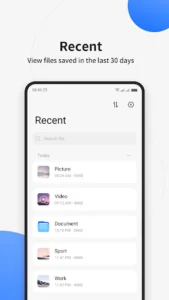
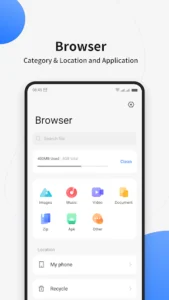
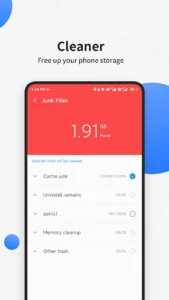
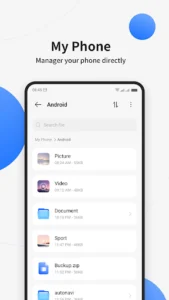
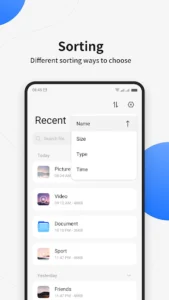
File Manager offers a straightforward interface designed to help users organize and manage files stored on their phone. This app supports a variety of routine file operations and provides specialized classification features for content originating from popular social media platforms such as WhatsApp, Messenger, Facebook, and Instagram. Beyond social media, it also categorizes common file types like music, videos, images, and documents. Additionally, File Manager includes professional cleaning functions to assist users in freeing up valuable storage space on their devices.
Organized File Classification
The app streamlines file management by automatically sorting content into distinct categories. Users can view their files organized by type, including music, video, image, document, zip archives, APK files, and other miscellaneous items. A notable feature is its exclusive classification for files associated with specific social media apps like WhatsApp, Messenger, Facebook, and Instagram. This allows users to easily locate and manage media or documents shared through these platforms without needing to manually browse through general folders.
Storage Cleaning Capabilities
File Manager incorporates professional cleaning functions aimed at optimizing phone storage. These tools are designed to help users identify and clear unnecessary data with a single click, thereby assisting in freeing up space on their device. This can be particularly useful for maintaining device performance and ensuring sufficient room for new content.
Efficient File Operations
For quickly locating specific files, the app provides a global search function that allows users to find items using keywords. When managing multiple files, File Manager supports multi-selection operations, enabling batch processing. This means users can select several files at once to perform actions like moving, copying, or deleting them simultaneously, enhancing efficiency for larger organizational tasks.







Write a review